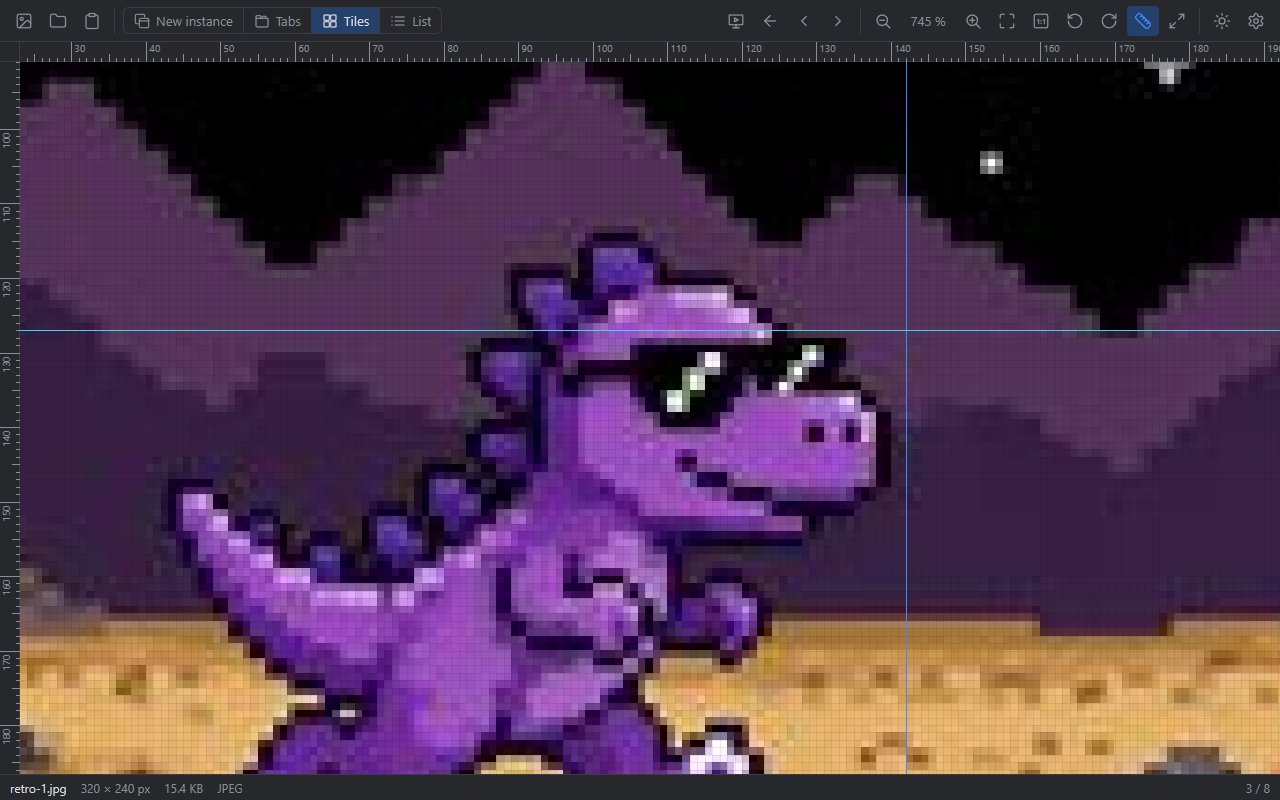
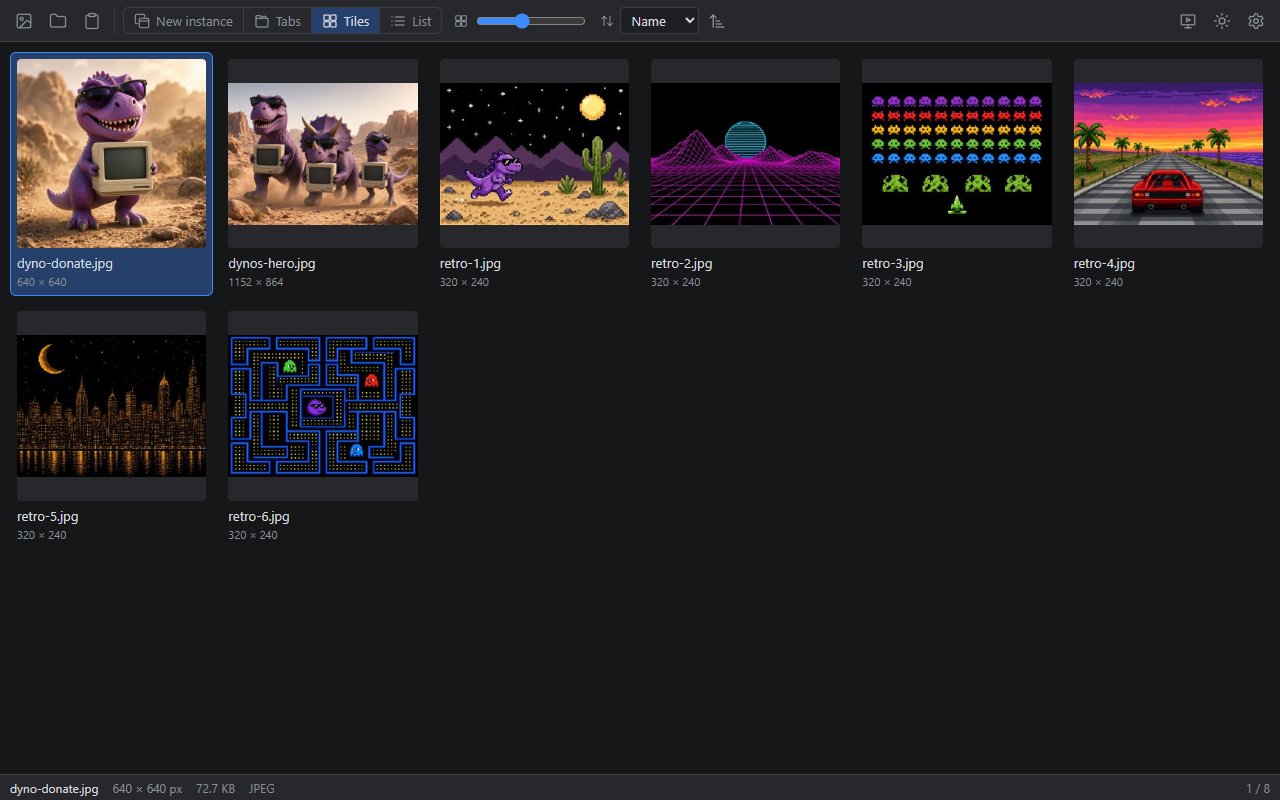
The extremely lightweight file viewer with inspector functions.Open images, audio and video in a flash and check them down to the pixel – with rulers, guides, pixel grid and codec info.
PNG, JPG, BMP, GIF and TIF open instantly, zoom down to single pixels.
Audio and video
MP3, MP4 and MOV. Unsupported video codecs are converted to H.264 on request (FFmpeg).
File inspector
Format, dimensions, file size, duration and codec of every file at a glance.
Rulers and guides
Ctrl+R shows rulers, drag guides out of them, Ctrl+H hides them again.
Pixel grid
Above 400 % zoom a fine grid outlines every single pixel.
Open your way
New window, tabs, tiles or list – and browse through a whole folder.
Clipboard
Paste screenshots and copied images directly with Ctrl+V.
Your layout
Light or dark design and English or German interface.
No installation needed: unzip the download and start «Dynooh MiniPixels.exe». The program is code-signed (Certum, Christian Tanner), so Windows shows a verified publisher.
Frequently asked questions
Is MiniPixels free?
Yes. MiniPixels is free and open source under the MIT license – no account, no ads, no subscription.
Do I need to install anything?
No. Unzip the download and start «Dynooh MiniPixels.exe». It only needs the Microsoft Edge WebView2 Runtime, which is already present on current Windows 10 and Windows 11 systems.
Which files does MiniPixels open?
Images as PNG, JPG, BMP, GIF and TIF, audio as MP3 and video as MP4 and MOV. Video codecs that Windows cannot play are converted to H.264 with FFmpeg on request; FFmpeg is only downloaded then.
How do I browse through a folder?
Open an image and press ← / →: MiniPixels loads the previous or next file from the same folder. Ctrl+Tab switches between the files you opened.
Are my files uploaded?
No. Opened files never leave your computer. MiniPixels only goes online when you agree to the FFmpeg download.